Smart money conceptsFlagship
SMC Sniper Pro
Session liquidity, market structure and three entry models in one TradingView framework.
Explore SMC Sniper Pro Buy on this site
Start with SMC Sniper Pro. Bring session liquidity, market structure and three entry models into one clear TradingView workflow.
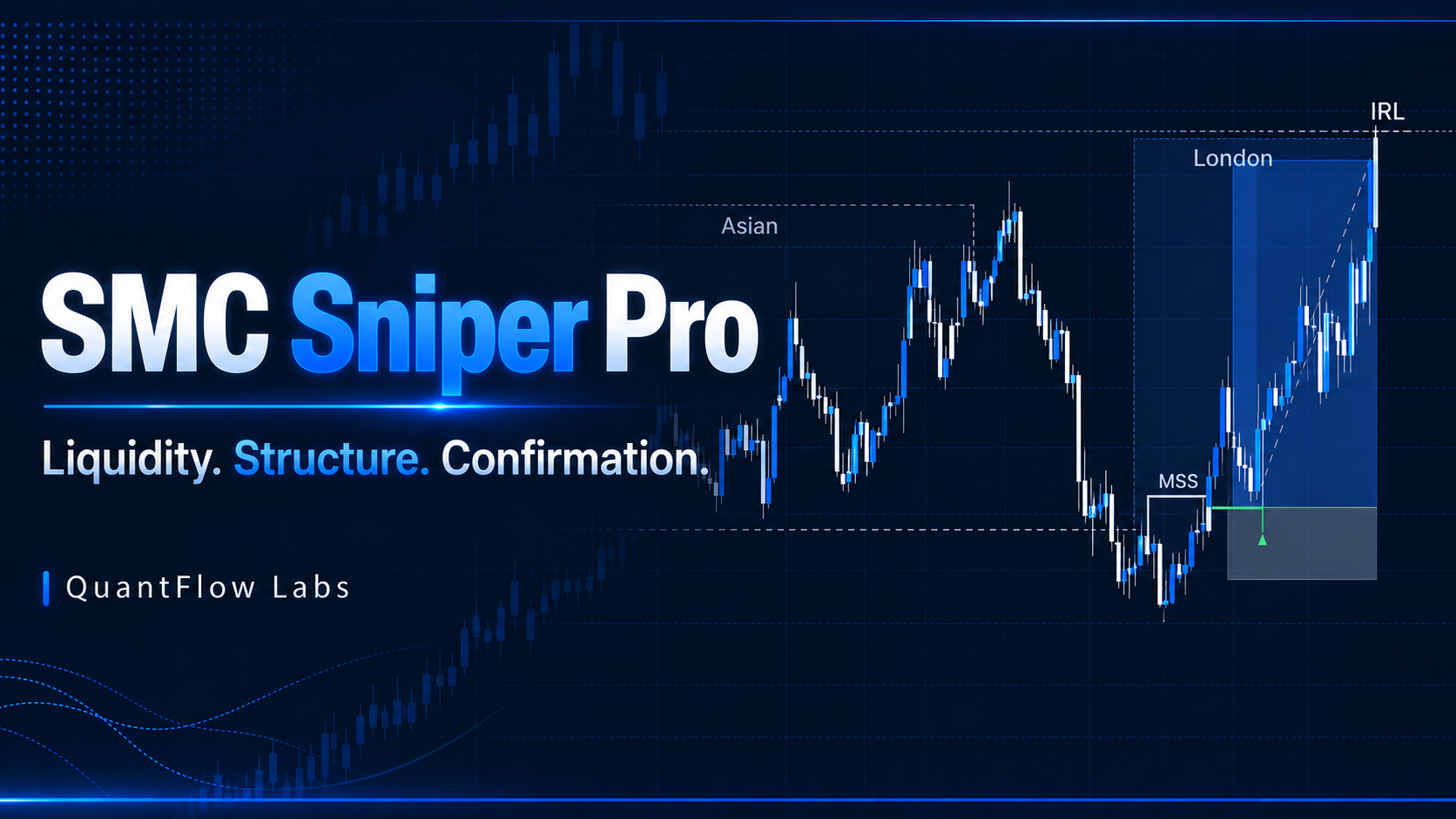
Product illustration. Chart examples do not represent expected returns.
From liquidity-led intraday setups to the opening range. Each tool has a distinct focus.
Session liquidity, market structure and three entry models in one TradingView framework.
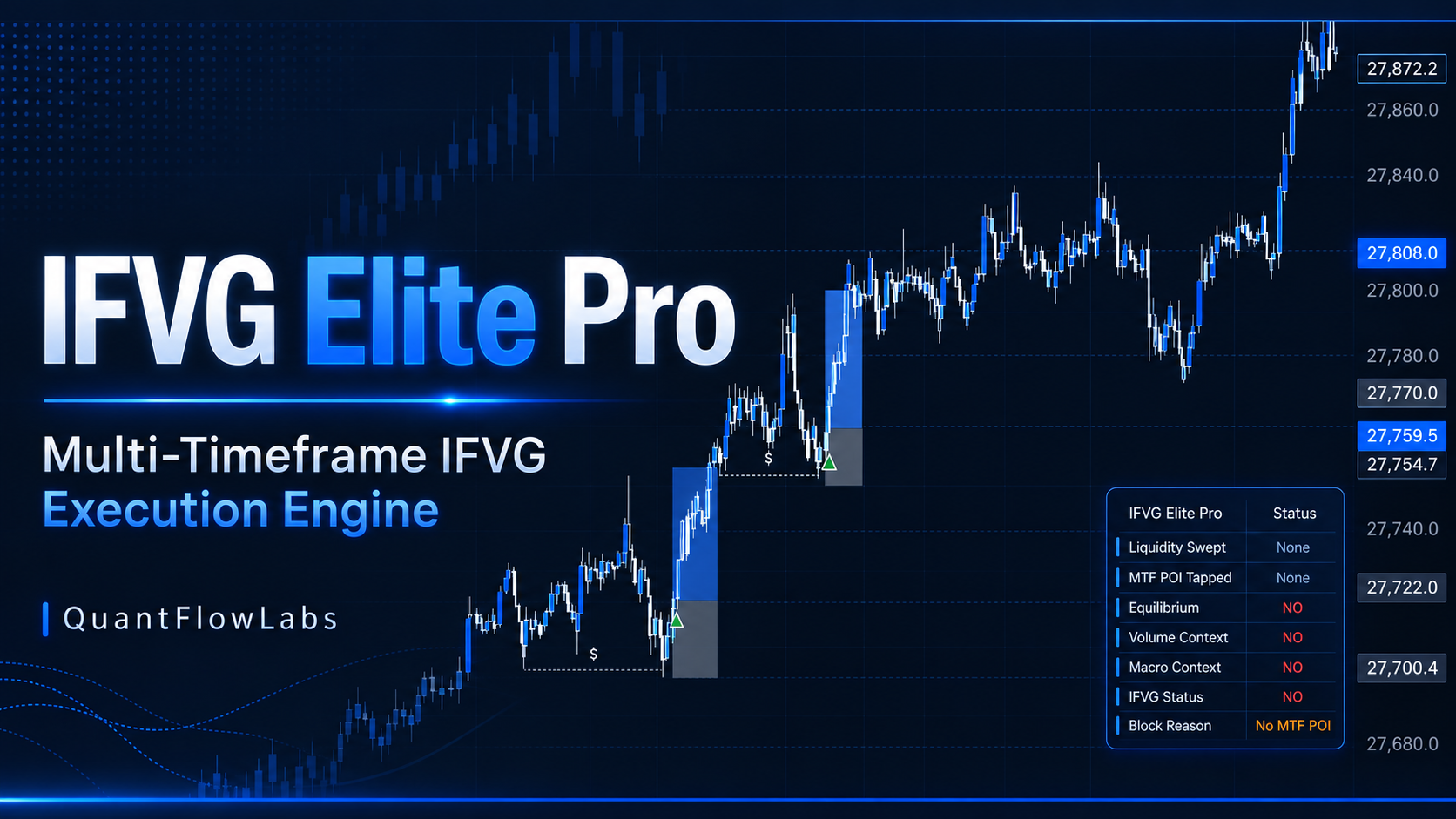
Multi-timeframe fair value gaps, liquidity reactions and IFVG confirmations for focused scalping.
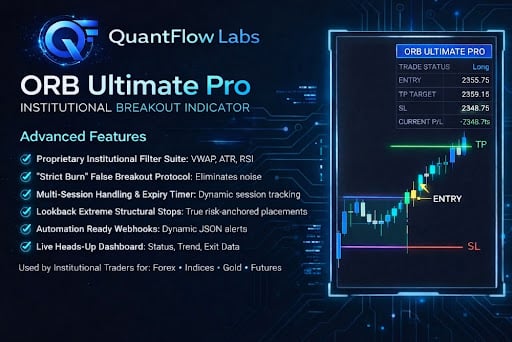
Opening range breakouts with volatility, trend and proximity filters to frame your decisions.
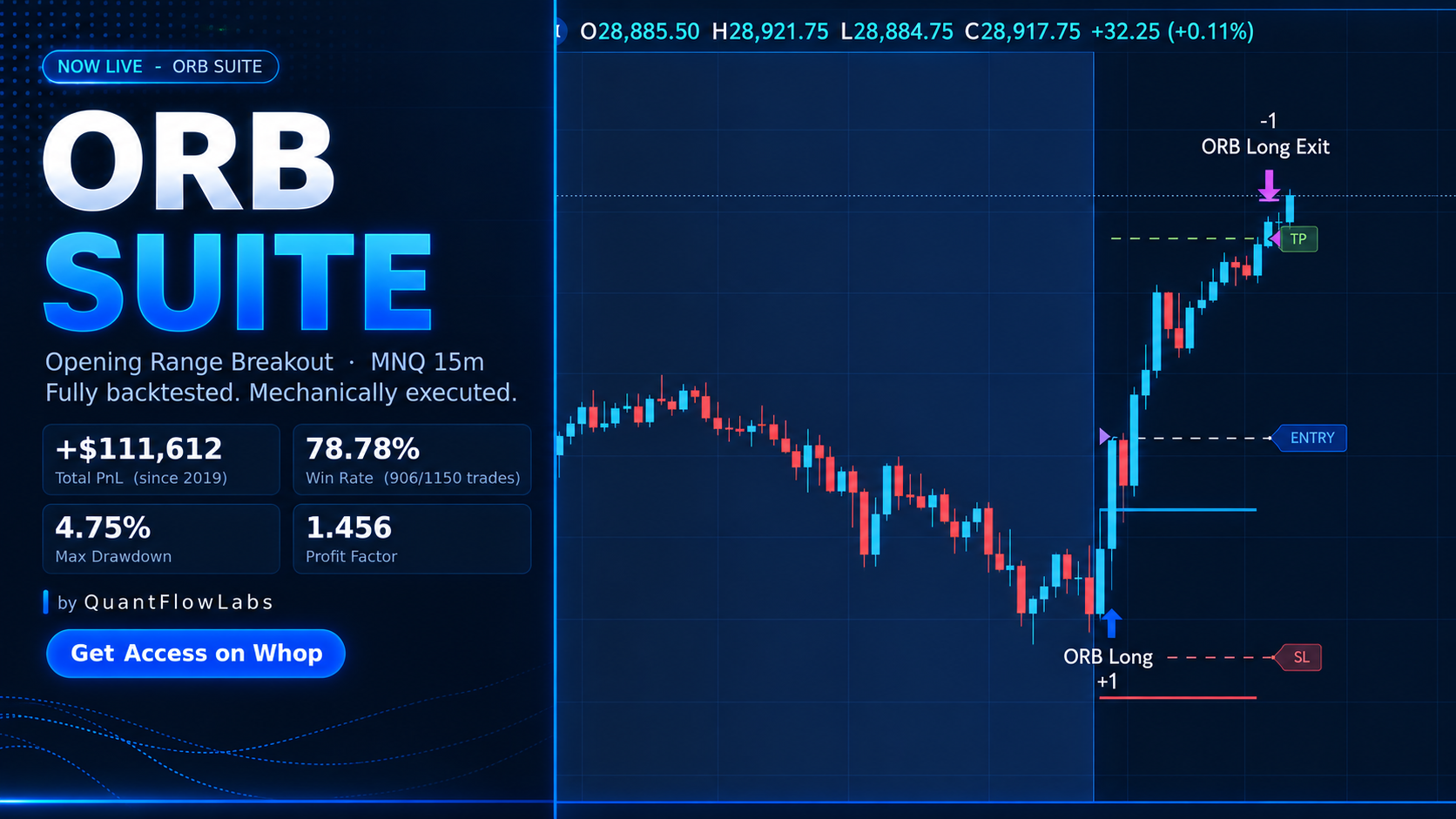
A dedicated opening range framework for MNQ on the 15-minute chart, with built-in presets.
QFL SMC Toolkit combines SMC Sniper Pro and IFVG Elite Pro.
Compare the tools by trading approach, market and timeframe. Read the product details before choosing.
Choose a plan and follow the product onboarding to arrange access for your TradingView account.
Learn the settings, review chart examples and practise in a simulated environment before trading live.
Questions about access or choosing a tool? Start here, or speak to QuantFlow Labs through Whop.
Visit QuantFlow Labs on WhopQuantFlow Labs indicators run on TradingView. Product access is managed through Whop. Check each product listing for its supported setup and any account requirements.
Choose SMC Sniper Pro for structured intraday SMC analysis, or IFVG Elite Pro for a scalping-focused IFVG workflow. ORB Ultimate Pro focuses on filtered opening range breakouts; ORB Suite is specifically designed for MNQ on the 15-minute chart.
Open your QuantFlow Labs product in Whop and follow the onboarding instructions. Have your TradingView username ready. If access needs attention, use the support chat inside Whop.
Each product page includes a secure Whop checkout. Choose your billing option and review the live price, renewal terms and included access before paying.
No. Indicators organise market information and planned levels; they cannot guarantee outcomes. Use a defined risk plan and test your approach before putting capital at risk.
Explore the tools. Find your approach. Get access through Whop.
Explore QuantFlow Labs